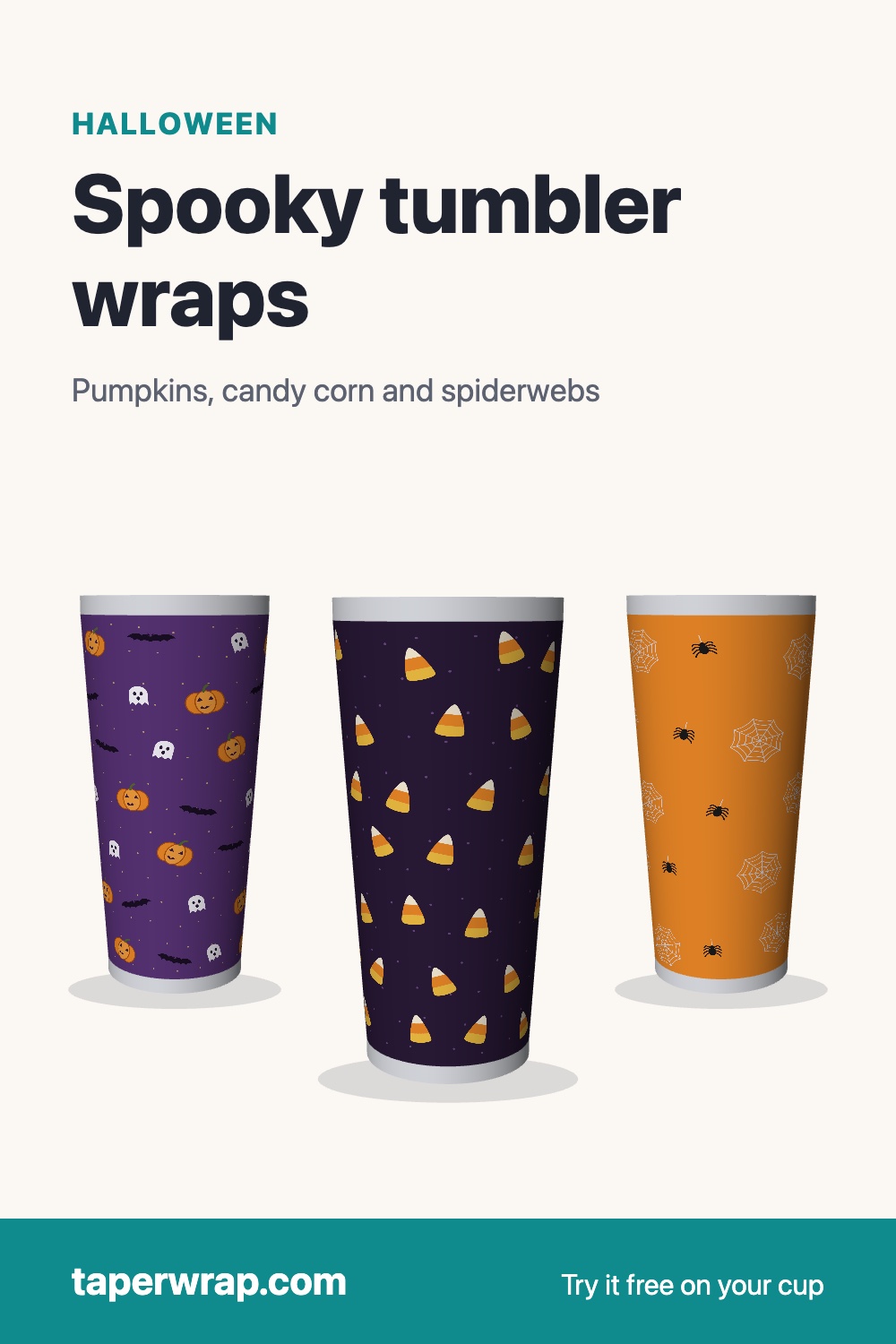
Halloween tumbler wraps for tapered, skinny and 40 oz cups
Three seamless Halloween wraps: jack-o'-lanterns, ghosts and bats on a purple night sky, candy corn on midnight purple, and white spiderwebs on orange. Preview any of them on your own cup in 3D for free. The 300 DPI print file comes with TaperWrap ($15 one time, 30-day money-back guarantee).
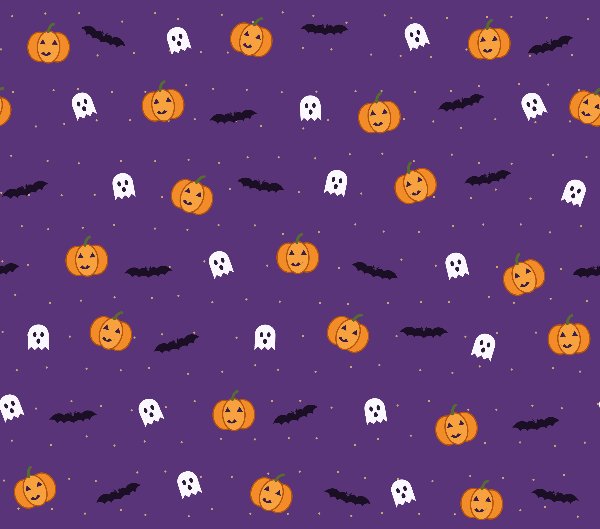
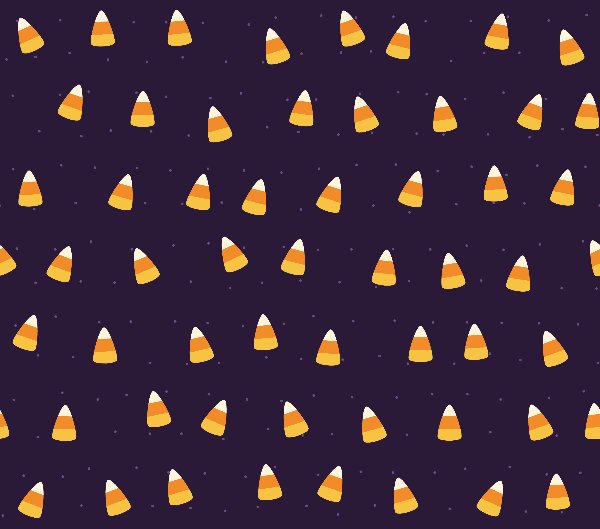
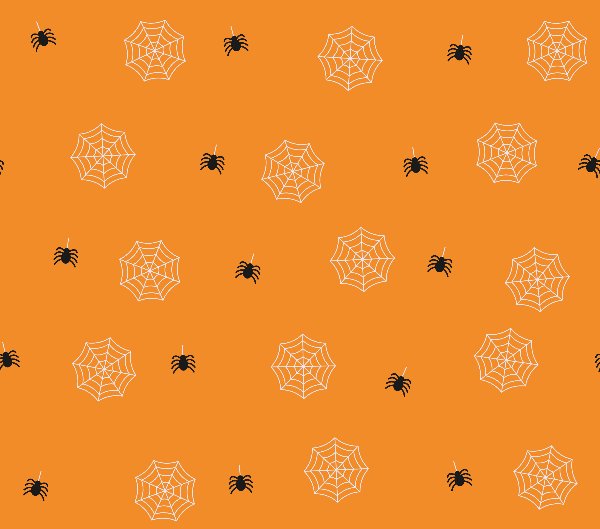
Like most wraps, these are drawn as a straight rectangle for a 20 oz skinny cup. The difference is what happens next: click Warp this in TaperWrap on a card, pick your cup, and the design is bent to that cup's exact shape, whether it's a straight skinny, a tapered 20 oz or a 40 oz with a handle. Switch the preview to 3D cup and drag it around to see the seam and both sides before you pay for anything. Without a license, the tool downloads a watermarked, preview-quality file.
Bought a Halloween wrap for a 20 oz straight cup?
Most Halloween wraps for sale are made for a 20 oz straight skinny tumbler, usually around 9.3 × 8.2 in. On a straight cup that's exactly right. A tapered cup is wider at the top than at the bottom, so the same rectangle won't lie flat: the seam gaps or overlaps and the pattern tilts. You don't need to buy a tapered version of the design.
- Open TaperWrap and drop in the PNG you bought. It stays on your computer; nothing is uploaded.
- Click Tapered or 40 oz with handle, choose your blank from the Preset list, or enter your cup's own measurements (how to measure a tumbler).
- Check the 3D preview, then download the PNG, or the PDF for your paper.
To be plain about the cost: preview free; the free download carries a light watermark, and TaperWrap ($15 one time, 30-day money-back guarantee) removes it. This works with any straight design you own, not just ours. The seller's license still covers the artwork itself, so check it allows cups you sell. For the long version, see how to warp a design for a tapered tumbler.
Making it
- Pick a preset or enter your cup's measurements. The tumbler template sizes page lists the blanks we have numbers for, but measuring your own cup is always safer.
- Check the 3D preview. On an all-over pattern like these, look mainly at the seam and at where the pattern lands near the top and bottom edges.
- Download the PDF for your paper and print at Actual size / 100%, not "Fit to page".
If your printer only takes Letter or A4, pick that paper and TaperWrap splits the wrap into pieces, one per page. Each piece has its own cut line and a small overlap, and orange marks show where the next piece's edge goes.
On a 40 oz cup with a handle, the design covers the whole cup and is split into a top piece and a bottom piece, one for each printed area (the bottom one is curved if that part of your cup tapers), with the slice that falls on the plain band left out. With Spooky Night, turn the 3D preview to check that no jack-o'-lantern face sits right on the band. Cut small notches for the handle brackets after printing. The 40 oz tumbler template guide covers measuring the band.
Ideas
- Matching family cups: one design, a different name on each cup. The cup settings stay the same; add each name as described below and warp each named version, so you get one print file per name.
- Teacher treat cups: fill a tumbler with candy for a classroom party or a teacher gift.
- Names and dates: add a name, "Boo Crew" or a party date. With a straight PNG you own, add the text in your design app, then warp it. With one of the Halloween designs above and a license, open it from its card, click Straight (the generic 9.3 × 8.2 in preset), set Seam overlap to 0 under Print options (bleed is already 0) and untick Draw a cut line around the edge. Download PNG then gives you the straight 2790 × 2460 file: add your text, drop it back into TaperWrap and warp it for your cup. Keep text away from the seam and, on 40 oz cups, from the band.
- Selling a batch: pick your paper next to Download PDF, and a per sheet menu appears whenever more than one copy fits, so larger sheets waste less paper.
- Listing photos: Make a share video records a 4-second clip of your cup turning, with an optional caption. It's free and made on your device, in browsers that support recording.
Details
- Size: 2790 × 2460 px (9.3 × 8.2 in at 300 DPI), seamless left to right. TaperWrap stretches it to fit any cup.
- License: with TaperWrap, use these designs on tumblers and other items you make, including ones you sell. Please don't resell or share the design files themselves.
- Vinyl instead of sublimation? Switch the tool to Cut file to warp an SVG for Cricut, Silhouette or a laser. The cut-file preview is free; the warped SVG and DXF come with TaperWrap.
More for fall
For cups that last past October 31, the Autumn designs (Flannel Plaid, Pumpkin Patch and Autumn Leaves, also included with TaperWrap) are in the design library, next to six designs that are free all year.
The pink ribbon wrap is free through October 31.See the pink ribbon wrap for Breast Cancer Awareness Month.