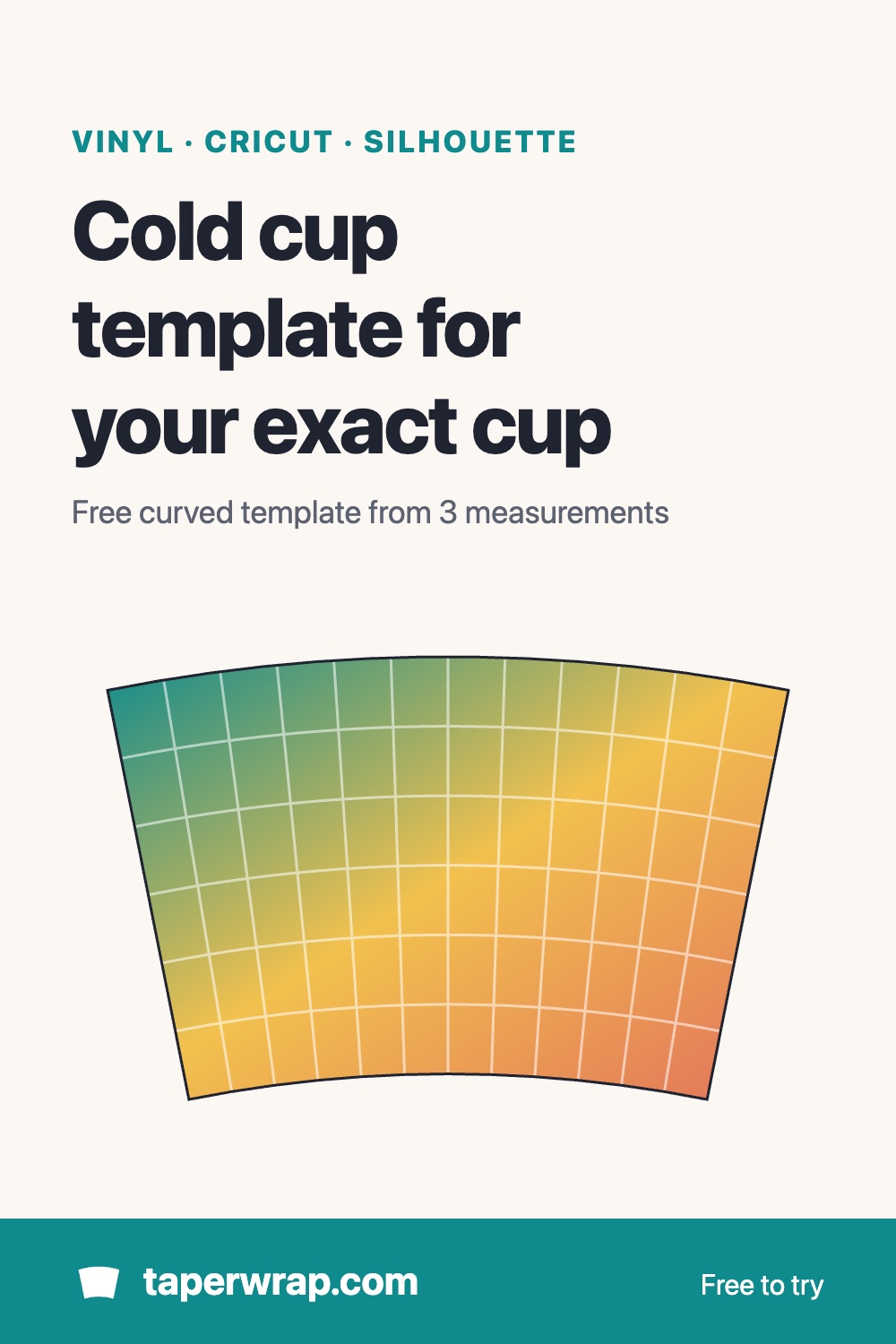
Cold cup template for vinyl wraps and decals
Cold cups taper a lot from the rim to the base, so a decal or wrap cut straight goes on crooked: the ends drop and text slopes toward the back. Enter three measurements of your own 24 oz or 16 oz cup and TaperWrap gives you a free curved template at true size, made for that cup.
Vinyl, not sublimation
Most reusable cold cups are plastic, so they're decorated with permanent adhesive vinyl rather than sublimation. In TaperWrap that means the Cut file (vinyl / laser) mode at the top of the tool: it works with SVG cut files for Cricut and Silhouette instead of printed wraps.
Measure your cup
Measure only the smooth area you'll cover, not the whole cup:
- Top circumference: around the cup just below the rim ring, where the smooth area starts.
- Bottom circumference: around the cup just above the base, where the smooth area stops.
- Height: the distance between those two lines, measured along the side of the cup.
Use a soft sewing tape. Cold cups sold as the same size differ by maker, and sometimes from one batch to the next, so measure the cup you're decorating. If you only have diameters, switch the tool to Across and enter those instead. More tips: how to measure a tumbler.
A note on the sizes you'll see online: 24 oz cold cup templates are often listed as one size, such as about 11 × 6.7 in. That's the width and height of the flat curved shape, not the cup's circumference, so those numbers don't go into the measurement boxes. Measure your cup instead.
Free blank template
Enter your three numbers and click Download blank template (SVG, free). You get the curved outline of your cup at true size. It opens at real size in Cricut Design Space and Silhouette Studio, so you can use it as a guide for placing designs or cut it as a full-wrap shape. The same template works for any tapered cup; the tapered tumbler template guide explains the shape in more detail.
Warp a decal or a full wrap
A blank template shows the shape, but a straight design dropped into it still tilts. To bend the design itself to the cup:
- In your design app, convert any text to outlines (paths) and export the design as an SVG.
- Open TaperWrap, choose Cut file (vinyl / laser) and upload the SVG.
- Enter your cup's measurements.
- Choose Decal and set its width and its distance from the top of the area, or choose Full wrap to cover the whole smooth area.
- Check the preview. It's free, so you can see the fit before you pay anything.
The warped SVG (for Cricut and Silhouette) or DXF (for laser software) comes with TaperWrap Pro: $15 one time, with a 30-day money-back guarantee. More on how the warp works: conical warp for Cricut and Silhouette.
Designs to try
No SVG yet? The free SVG tumbler decals open in TaperWrap in one click, ready to warp for your cup.
Christmas cold cups are a popular gift, but note that our Christmas tumbler wraps are sublimation print designs (PNG), not cut files, so they aren't made for vinyl on a cold cup.
Applying it
- Use transfer tape with some stretch, and press from the centre of the decal outwards.
- Keep a decal narrower than about a third of the cup's circumference if you want it to read well from the front.
- Permanent adhesive vinyl isn't mirrored. Mirror only heat transfer vinyl or other materials that go face-down.
- Cut a small test first if you're using a new vinyl or a new cup.
Common questions
Is there a ready-made 24 oz or 16 oz cold cup template?
Not a fixed one. Cups differ enough that TaperWrap makes the template from your own measurements, which takes a minute with a soft tape.
Does it work for Starbucks-style venti cups?
Yes, any cup that tapers evenly from top to bottom works. "Starbucks-style" and "venti-size" only describe the cup's shape and size; TaperWrap isn't affiliated with Starbucks.
Is the template free?
Yes. The blank curved template and the warp preview are free. Downloading a warped SVG or DXF cut file is part of TaperWrap Pro.