Conical warp for Cricut and Silhouette: warp an SVG for tapered cups
A vinyl decal cut straight goes crooked on a tapered cup: text slopes toward the seam and the bottom edge doesn't sit level. TaperWrap bends your SVG to the exact taper of your cup and gives you a cut-ready file.
Why decals go crooked on tapered cups
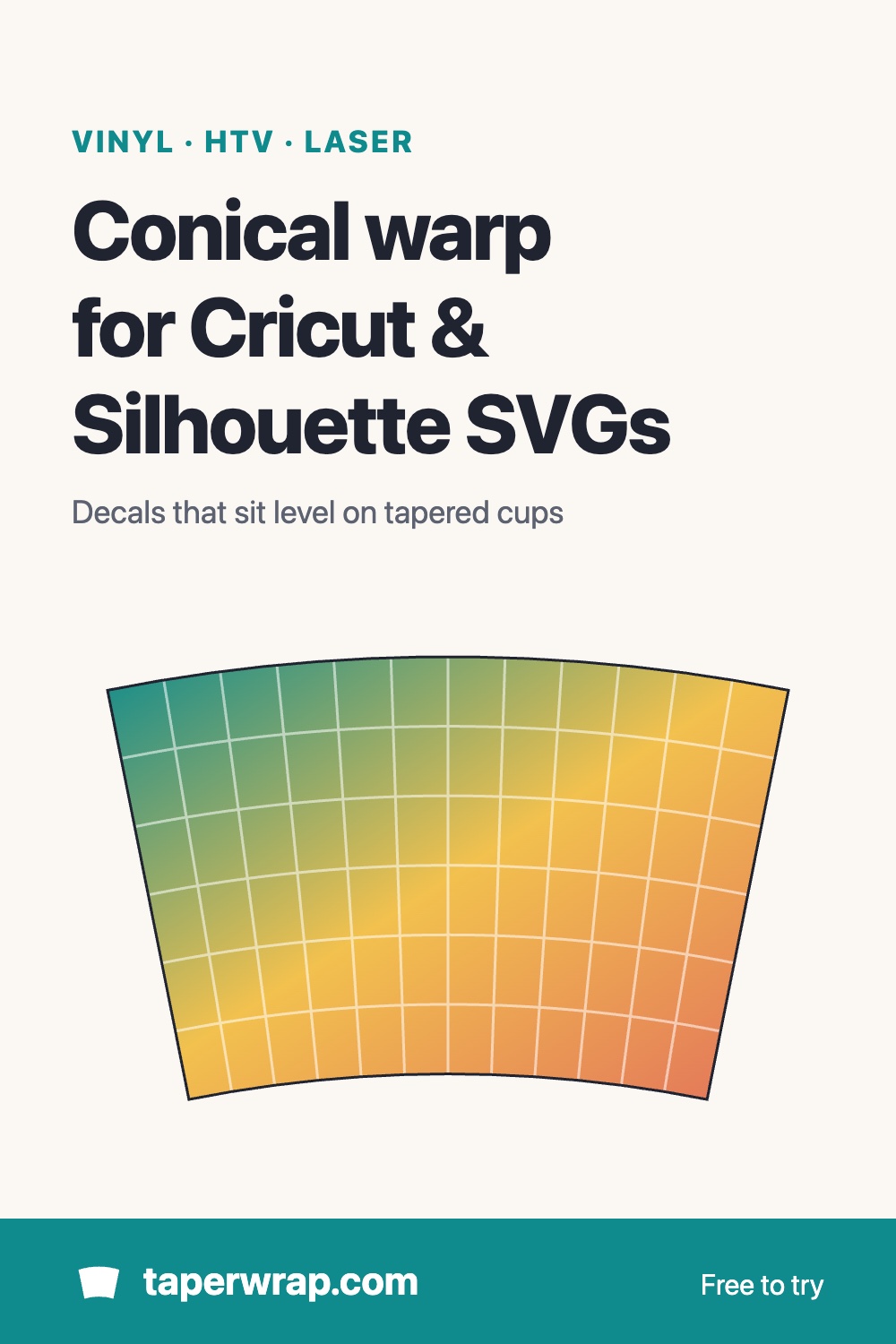
A tapered tumbler, cold cup or pint glass is a slice of a cone. Lay a straight strip of vinyl on it and the strip follows the cone, not a level line, so the ends drop and the text tilts. The fix is to cut the design already curved, a conical warp, so it goes on level all the way around.
The problem with doing it in your cutting software
- Cricut Design Space: the Curve tool only bends text into an arc, and that's not the same as fitting a cone. Shapes and whole designs don't follow the cup, and the curve isn't calculated from your cup's measurements.
- Silhouette Studio: it has a conical warp, but only in the paid Designer Edition Plus and Business Edition.
- Laser software: newer LightBurn and xTool Studio versions can correct for tapered cups when engraving on a rotary. Older setups and other laser software often mean warping the design by hand first.
How to warp an SVG with TaperWrap
- In your design app, convert any text to outlines (paths) and export the design as an SVG.
- Open TaperWrap and choose Cut file (vinyl / laser) at the top.
- Upload the SVG and enter your cup's top and bottom circumference and the height of the area you're decorating.
- Choose Decal and set its width and how far it sits from the top, or choose Full wrap to cover the whole cup.
- Check the preview, then download the SVG (for Cricut and Silhouette) or the DXF (millimetres, for most laser software).
The SVG opens at real size, so a 3-inch decal comes in as 3 inches. Colours are kept, so multi-colour designs stay on separate layers in Cricut Design Space.
Tips for vinyl on tapered cups
- Measure the cup where the decal will actually sit: the top and bottom of that area and the height between them.
- Mirror the design only for heat transfer vinyl (HTV) or other materials that go face-down. Permanent adhesive vinyl isn't mirrored.
- Keep the decal narrower than about a third of the cup's circumference if you want it to read well from the front.
- Use transfer tape with some stretch, and press from the centre of the decal outwards.
Common questions
Does it work for Starbucks-style cold cups and pint glasses?
Yes. Anything that tapers evenly from top to bottom works. Measure the area you're decorating and enter those numbers.
My SVG has text and nothing shows up
Text inside an SVG needs a font the tool doesn't have. Convert text to outlines, also called "create outlines" or "object to path", before exporting the SVG.
Is the cut file free?
The warp and the preview are free, so you can check the fit. Downloading the SVG or DXF is part of TaperWrap Pro, a one-time purchase.