Pint glass decal size and wrap template
A common 16 oz pint glass narrows by about a third from the rim to the base. That's a much stronger taper than a skinny tumbler's, so a straight strip of vinyl or a line of text won't sit level on it: the ends drop and the text slopes. Here's how big a decal fits, and how to make a curved template and a warped cut file from your own glass's measurements.
Pint glass dimensions
A common 16 oz pint glass is the straight-sided "mixing glass" shape, such as the Libbey 1639HT. Its retailer listing on WebstaurantStore (checked November 5, 2026) gives:
- Top diameter: 3.5 in, so about 11.0 in around the rim (3.5 × π)
- Bottom diameter: 2.375 in (2 3/8 in), so about 7.5 in around the base
- Height: 5.875 in (5 7/8 in) overall
These are sizes for the whole glass, not the area you can decorate. The decal has to sit below the rim, where lips touch the glass, and above the thick base, so the smooth area is shorter than 5.9 in and its bottom edge is wider than 7.5 in around. Other 16 oz pint glasses (nonic, tulip and other shapes and brands) differ, so measure the glass you're decorating:
- Top circumference: around the glass where the decal or wrap will start, a little below the rim.
- Bottom circumference: around the glass where it will stop, above the heavy base.
- Height: the distance between those two lines, measured along the side of the glass.
A soft sewing tape is easiest. If you only have diameters, switch the tool to Across and enter those instead. More tips: how to measure a tumbler (the same method works for glasses).
How big should the decal be?
For a decal that reads from the front, keep it narrower than about a third of the circumference at the height where it sits. That's a rule of thumb, not a hard limit. On a pint glass the circumference changes a lot from top to bottom, so measure around the glass at the middle of where your decal will go:
- 10 in around → a front decal up to about 3.3 in wide
- 9 in around → about 3 in wide
The height is up to you, within the smooth area you measured. A tall decal on a strongly tapered glass is wider at the top than at the bottom once it's on, which is exactly what a warped cut file accounts for (below). Our tumbler decal size chart uses the same rule for 16 to 40 oz tumblers.
Full wrap template
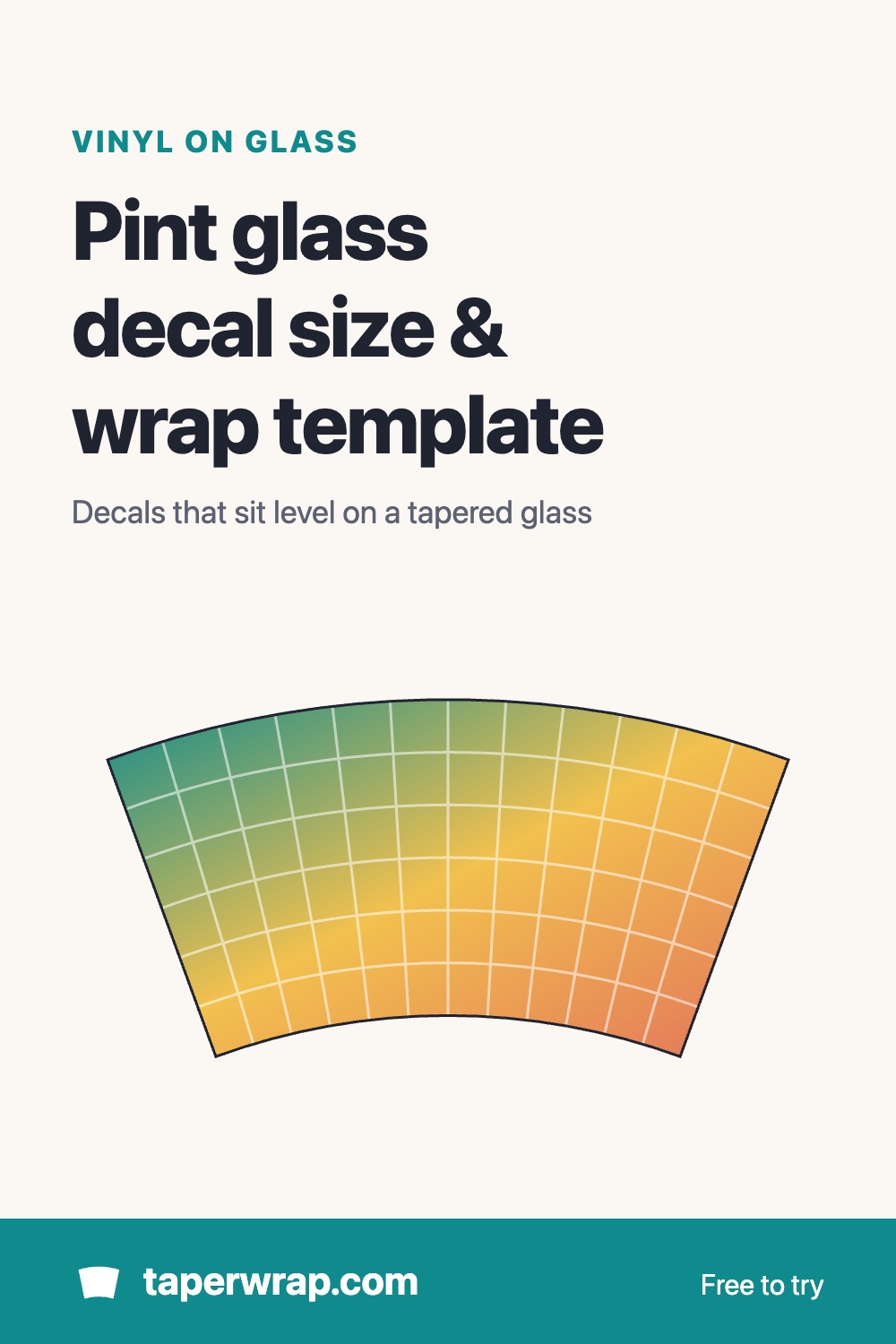
For a wrap that goes all the way around, open TaperWrap, enter your top and bottom circumference and the height, and click Download blank template (SVG, free). You get the curved outline of your glass's smooth area at true size. It opens at real size in Cricut Design Space and Silhouette Studio, so you can cut it as a full-wrap shape or use it as a guide for placing designs. Because a pint glass tapers so much, the template is a pronounced arc, nothing like a rectangle; that's normal.
Warp a decal for the glass
A blank template shows the shape, but a straight design placed in it still tilts. To bend the design itself to the glass:
- In your design app, convert any text to outlines (paths) and export the design as an SVG.
- Open TaperWrap, choose Cut file (vinyl / laser) and upload the SVG.
- Enter your glass's measurements.
- Choose Decal and set its width and its distance from the top of the area, or choose Full wrap to cover the whole smooth area.
- Check the preview. It's free, so you can see the fit before you pay anything.
The warped SVG (for Cricut and Silhouette) or DXF (for laser software) comes with TaperWrap Pro: $15 one time, with a 30-day money-back guarantee. More on how the warp works: conical warp for Cricut and Silhouette. Designing in Illustrator or Inkscape? See conical warp in Illustrator and Inkscape.
Engraving straight onto the glass with a laser on a rotary? LightBurn has its own Taper Warp tool for that, so use it there. TaperWrap's DXF is the flat shape that wraps around the glass: right for vinyl and for stencils or masks cut on a laser.
Etching and vinyl tips
- Glasses that get washed: use permanent adhesive vinyl, and follow your vinyl maker's care instructions.
- Etched glass: vinyl also works as a stencil for glass etching cream. Cut the design, weed out the parts you want etched, and follow the instructions on the cream. A warped stencil keeps the etched design level, just like a decal.
- Use transfer tape with some stretch, and press from the centre of the decal outwards; on a strong taper, smooth one side at a time.
- Permanent adhesive vinyl isn't mirrored. Mirror only heat transfer vinyl or other materials that go face-down.
- Cut a small test first if you're using a new vinyl or a new glass.
Designs to try
No SVG yet? The free SVG tumbler decals open in TaperWrap in one click, ready to size and warp for your glass. Decorating plastic cups too? See the cold cup template.
Common questions
Is there one standard pint glass decal size?
No. Glasses sold as 16 oz pints come in different shapes, and even the same model's smooth area depends on how far below the rim you start. Measure yours, then use the one-third rule for a front decal.
Is the template free?
Yes. The blank curved template and the warp preview are free. Downloading a warped SVG or DXF cut file is part of TaperWrap Pro.
Is TaperWrap affiliated with Libbey?
No. The Libbey 1639HT is named only because it's a common pint glass with published dimensions.